
This manual provides instructions for installing, setting up, and using the Audient EVO 4 audio interface on Mac, Windows, and iOS devices.
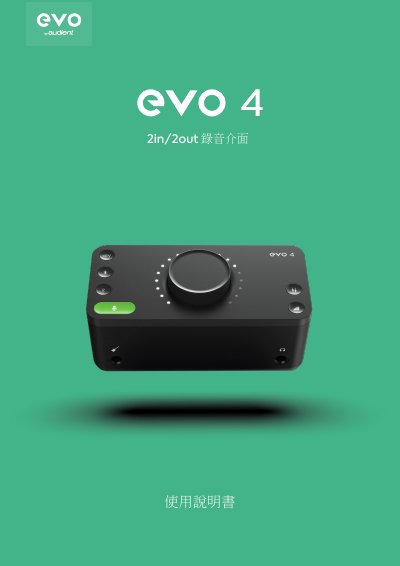
The Audient EVO 4 is a compact 2-in/2-out audio interface designed to simplify recording with intelligent gain technology, JFET instrument input, and a powerful headphone amplifier. This manual covers hardware features such as phantom power, stereo linking, and monitor mixing.
It details installation procedures for macOS (driverless), Windows (requires drivers), and iOS devices (requiring active USB hubs). The guide also explains software functions like ASIO buffer settings, sample rate configuration, loopback modes, and firmware updates via the EVO application. This manual is written in Chinese.
| Input Channels (Analog) | 2 |
|---|---|
| Output Channels (Digital) | 2 |
| Sample Rates Supported | 44.1 kHz, 48.0 kHz, 88.2 kHz, 96.0 kHz |
| USB Connection Type | Type-C |
No, the EVO 4 will operate immediately on macOS without installing any drivers.
An active USB Hub is needed because Lightning ports cannot provide enough power.
The warranty period is 12 months from the date of purchase.