
User guide for the AT AT6400 AllTouch universal infrared remote control, covering programming for STB, TV, DVD, and AUX devices using codes or Auto-Search.
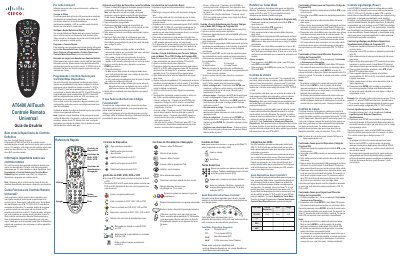
The AT AT6400 AllTouch is a universal infrared remote control designed to operate up to four devices, such as a set-top box, TV, DVD player, and VCR, from a single unit. The device is initially programmed for a set-top box and requires user configuration to control other devices using specific mode keys. This manual is written in Portuguese.
The remote control requires two AA batteries, with alkaline batteries recommended.
The four Mode keys (STB, TV, DVD, AUX) allow the user to select which device the remote will control.
The programming code 922 is used to activate the Auto-Search function for finding valid device codes.