
HH2 moisture meter user manual, introduces the features and usage of the product
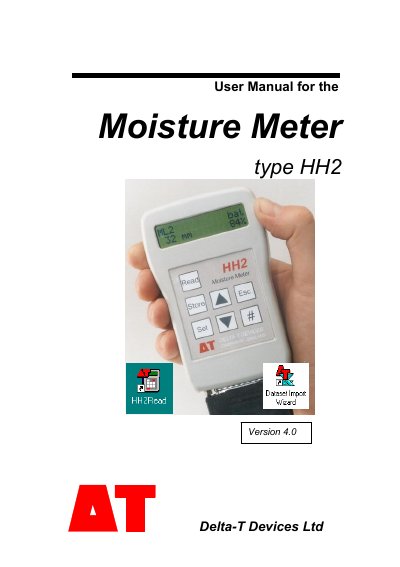
This manual provides step‑by‑step instructions for unpacking, powering, and using the HH2 moisture meter with supported sensors such as ThetaProbe, SM200, Profile and WET sensors. It covers menu navigation, reading acquisition, averaging, and data transfer to a PC via the HH2Read software.
Technical reference sections detail the instrument’s specifications, battery life, memory capacity, environmental ratings, and troubleshooting tips, while the accessories chapter lists cables, adapters, and spare parts.
| Soil moisture range | 0 to 1500 mV |
|---|---|
| Measurement accuracy | ± (0.13 % of mV reading + 1.0 mV) |
| Resolution | 1 mV |
| Memory capacity | Up to 5 000 readings |
| Battery type | 9 V Alkaline (PP3) |
| Battery life (typical) | 6 500 readings (SM200/ThetaProbe), 4 500 readings (Profile/Equitensiometer) |
| Operating temperature | 0 °C to 40 °C |
| Ingress protection | IP52 (dust and water‑drop protection) |
| Size / Weight | 150 × 80 × 40 mm, 450 g |
| Connector | 1 × male 25‑pin D connector (RS232 & sensor) |
Open the battery compartment and insert a single PP3 (9 V alkaline) battery; the meter will power up automatically.
The meter can store up to 5 000 readings in its internal memory.