
This document is a user manual for the notebook computer M620-DC/ M620-UC, which introduces the specifications, accessories, battery pack, memory, MINI-PCI module, hard disk drive, etc. of the computer.
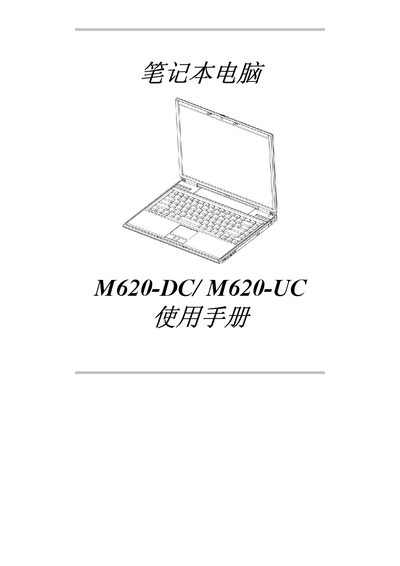
This manual provides step‑by‑step guidance for the M620‑DC and M620‑UC laptops. It starts with a "Before You Begin" section that explains initial checks, LED indicators, and key functions, followed by detailed chapters on battery handling, memory installation, mini‑PCI module, and hard‑drive removal.
Later sections cover safety instructions, environmental operating limits, power‑management features, and supported operating systems (Windows 2000 and XP). The document ends with a specifications appendix summarizing temperature ranges, humidity, shock tolerance, and hardware capacities. This manual is written in Chinese.
| Operating temperature | 振氏105C-352C |
|---|---|
| Non‑operating temperature | 李氏-20Cー609C |
| Humidity (non‑condensing) | 209%‑ 8096 |
| Shock tolerance | 3‑200 Hz @ 1.0 G |
| Memory capacity | 2048 MB (2 GB) |
| Memory type | DDR SO‑DIMM |
| Storage type | Combo Drive |
| USB floppy drive support | USB FDD drive |
The laptops support Windows 2000 and Windows XP operating systems.