
This guide covers hardware introduction, installation methods, connection steps, and configuration settings for Araknis AN-100, AN-300, AN-500, and AN-700…
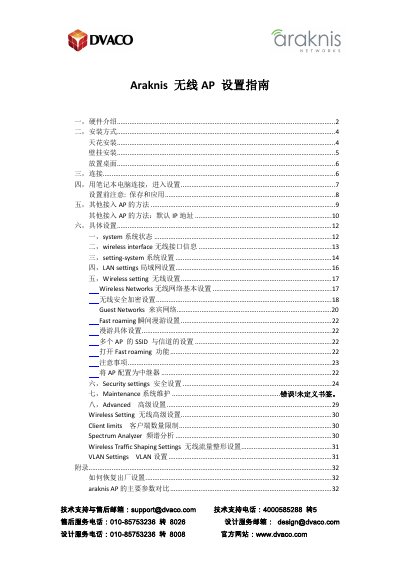
This manual provides a comprehensive setup guide for Araknis wireless access points, specifically the AN-100, AN-300, AN-500, and AN-700 series. It details hardware features, installation options including ceiling, wall, and desktop mounting, and various power connection methods such as PoE and DC power. This manual is written in Chinese.
| Max Transmit Power (2.4GHz) | 28dbm |
|---|---|
| Max Transmit Power (5GHz) | 26dbm |
| Operating Temperature | 0-50℃ |
| Storage Temperature | -20~60℃ |
| Max Clients per AP | 127 |
| Default IP Address | 192.168.20.253 |
Hold the reset button for 30 seconds, then wait 2-4 minutes for the device to restart.
The default IP address is 192.168.20.253.
Both the username and password are 'araknis'.