
Key facts
- Manuals
- 1
- Languages
- ZH
- Last added
- 2026-10-16
Featured araknis manuals
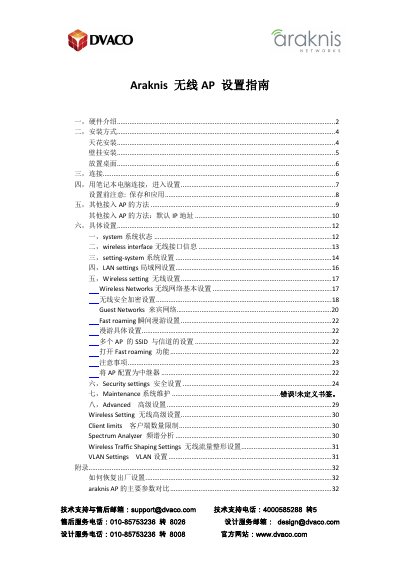
Araknis AN-100/300/500/700 AP Setup Guide
This manual provides a comprehensive setup guide for Araknis wireless access points, specifically the AN-100, AN-300, AN-500, and AN-700 series. It details hardware features, installation options including ceiling, wall, and desktop mounting, and various power connection methods such as PoE and DC power. This manual is written in Chinese.
Covers: Hardware Introduction · Installation Methods · Connection · System Status · Wireless Interface · System Settings
Latest araknis manuals
Araknis AN-100/300/500/700 AP Setup Guide
User Manual 33 pages · 3.7 MB · ZHThis guide covers hardware introduction, installation methods, connection steps, and configuration settings for Araknis AN-100, AN-300, AN-500, and AN-700…
Which document do I need?
User Manual
Day-to-day operation, settings and troubleshooting. Start here if the product is already set up.
Questions answered in araknis manuals
How do I reset the Araknis AP to factory settings?
Hold the reset button for 30 seconds, then wait 2-4 minutes for the device to restart.
What is the default IP address for the Araknis AP?
The default IP address is 192.168.20.253.