
Installation and maintenance guide for APG VASARIO™ series electronic and manual cash drawers, including lock functions, drawer removal/replacement, and…
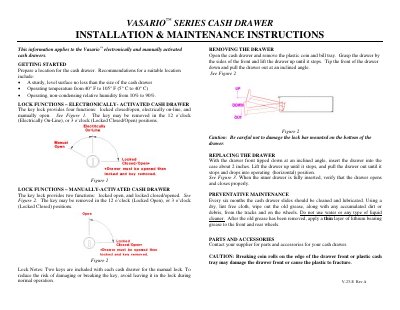
This guide provides step-by-step instructions for installing, maintaining, and replacing the APG VASARIO™ series cash drawer. It covers lock functions for both electronic and manual models, drawer removal and replacement procedures, and preventative maintenance tips. The guide also includes technical details for the MultiPRO® Interface used with models 320 and 420, including pinout and voltage specifications.
Maintenance includes cleaning and lubricating drawer slides every six months using lithium bearing grease, avoiding water or liquid cleaners. Caution is advised to prevent damage to the lock bar and drawer front during removal or handling.
| Operating Temperature | 40° F to 105° F (5° C to 40° C) |
|---|---|
| Operating Humidity | 10% to 90% non-condensing |
| Interface Model 320 Voltage | 24VDC |
| Interface Model 420 Voltage | 12VDC |
The key lock provides four functions: locked closed/open, electrically on-line, and manually open.
Open the drawer, remove the plastic trays, grasp the drawer by the front, lift it up until it stops, tip the front down, and pull it out at an inclined angle.