
This manual provides operating instructions, safety recommendations, and calibration procedures for the Anyload EC100 Counting Scale.
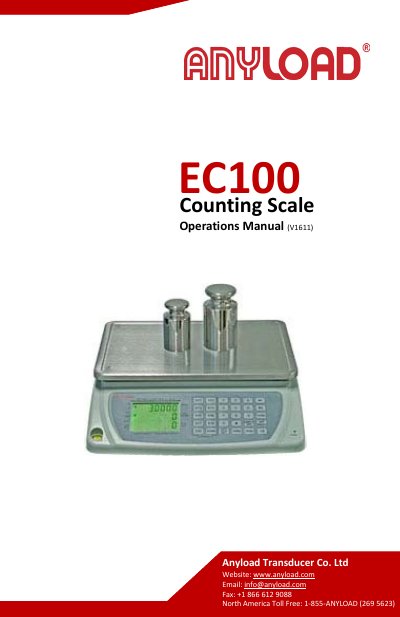
The Anyload EC100 Counting Scale is designed to convert the weight of uniform objects into a reading of the number of items. It features a stainless steel platform, a full keyboard with memory buttons, and adjustable feet for accurate weighing in industrial, wholesale, and retail environments.
This user manual covers the scale's key functions, including tare operations, sample settings (number and unit weight), alarm functions for sample shortages, and backlight settings. It also details the calibration procedures for linearity and single segments, as well as a list of error codes. This manual is written in Chinese.
| Product Type | Counting Scale |
|---|---|
| Platform Material | Stainless steel |
| Available Capacities | 6 different capacities |
Calibration is required when the scale is initially installed or if it is moved to a substantial distance.
The Lack of Sample lamp turns on if the total weight of the sample is below the limit value.
Remove weights from the platter then press the [TARE] key so that the Tare indicator turns off and the display returns to Zero.