
Anyload NPS Series Pallet Jack Scale T15E v2 series indicator Operator’s Guide
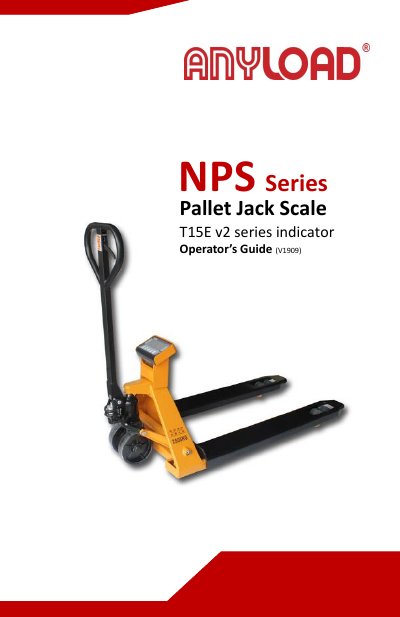
The Anyload NPS Series Pallet Jack Scale combines a standard pallet jack with a built-in indicator for weighing pallets in warehouse environments. This manual provides safety instructions, preparation steps, operating procedures, calibration methods, and power supply information for the T15E v2 series indicator.
Key features include a large LCD display with LED backlight, selectable kg/lb units, counting, hold, and accumulation functions, RS-232 and printer options, and a rechargeable lithium battery with AC adapter. The indicator supports up to four 350-ohm load cells and offers auto-calibration, auto-off, and low-voltage indication.
| Display | Large LCD with LED backlight, digit height 30mm x 13mm |
|---|---|
| Weighing units | Kilogram (kg) and pound (lb) |
| Applications | Simple counting, hold, accumulation |
| Power management | Low power indication, auto power off / auto idle |
| Communication options | RS-232 or Serial printer |
| Load cell compatibility | Minimum 350 ohm, maximum 1000 ohm (up to 4 load cells of 350 ohm) |
| Readability | Selectable, 0.0 |
| Tare function | Full |
| Units of measurement | Kg, lb |
| Power supply | 7.4V/2500mAh Lithium Rechargeable battery or AC adaptor 10VDC, 1000mA |
| Connector | 4 pin d socket |
Turn off the indicator, then turn it on by holding the power key. When the software version appears, release the power key and press the Print key to enter calibration mode.
The scale uses a 7.4V/2500mAh lithium rechargeable battery or a 10VDC, 1000mA AC adapter.
Press the UNIT key to toggle between kg and lb units of measurement.
Red to J1 (A) for E+, Yellow to J2 (B) for E-, Blue to J3 (C) for S+, Black to J4 (D) for S-.