
User guide for the Ampure ProCore™ Edge Dongle Kit for BMID III-B (BatteryRx™), covering installation, connection, and usage with Windows PCs and BatteryRx…
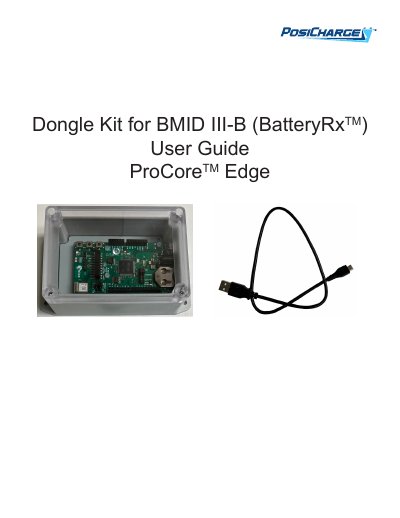
This user guide explains how to install and use the ProCore™ Edge Dongle Kit with BMID III-B devices. It includes steps for connecting the dongle via USB, launching BatteryRx software, scanning for COM ports, selecting the BMID device, and loading firmware. The guide also details configuration settings for battery parameters, time zones, and current limits. It is intended for users with Windows operating systems and BatteryRx version 5.000 or later. This manual is written in Chinese.
BatteryRx version 5.000 or later for Windows operating systems.
Connect the cable to the dongle box, then connect the USB cable end to the PC.
The serial number can be found on the nameplate rating label on the left side of the unit.