
Key facts
- Manuals
- 1
- Languages
- ZH
- Last added
- 2026-11-23
Featured AMPURE manuals
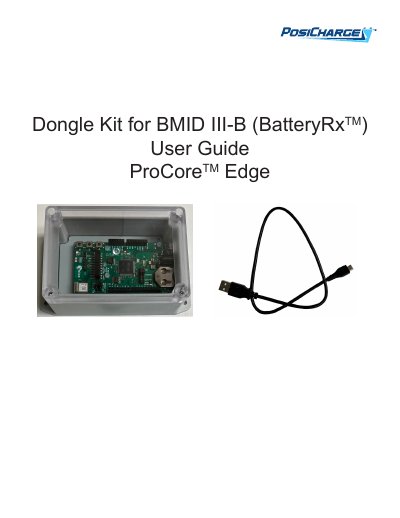
Ampure ProCore™ Edge Dongle Kit for BMID III-B (BatteryRx™) User Guide
This user guide explains how to install and use the ProCore™ Edge Dongle Kit with BMID III-B devices. It includes steps for connecting the dongle via USB, launching BatteryRx software, scanning for COM ports, selecting the BMID device, and loading firmware. The guide also details configuration settings for battery parameters, time zones, and current limits. It is intended for users with Windows operating systems and BatteryRx version 5.000 or later. This manual is written in Chinese.
Covers: Parts and Software Applications Needed · Connecting the Dongle · Summary of Battery Rx Utility Features · Rx Configuration Programming Instructions Using the Utility
Latest AMPURE manuals
Ampure ProCore™ Edge Dongle Kit for BMID III-B (BatteryRx™) User Guide
User Manual 12 pages · 2.7 MB · ZHUser guide for the Ampure ProCore™ Edge Dongle Kit for BMID III-B (BatteryRx™), covering installation, connection, and usage with Windows PCs and BatteryRx…
Which document do I need?
User Manual
Day-to-day operation, settings and troubleshooting. Start here if the product is already set up.
Questions answered in AMPURE manuals
What software is required to use this dongle?
BatteryRx version 5.000 or later for Windows operating systems.
From: Ampure ProCore™ Edge Dongle Kit for BMID III-B (BatteryRx™) User Guide
How do I connect the dongle to my computer?
Connect the cable to the dongle box, then connect the USB cable end to the PC.
From: Ampure ProCore™ Edge Dongle Kit for BMID III-B (BatteryRx™) User Guide