
Installation guide for Altronix ALTV615DCUL Series CCTV power supplies with fuse or PTC protected outputs.
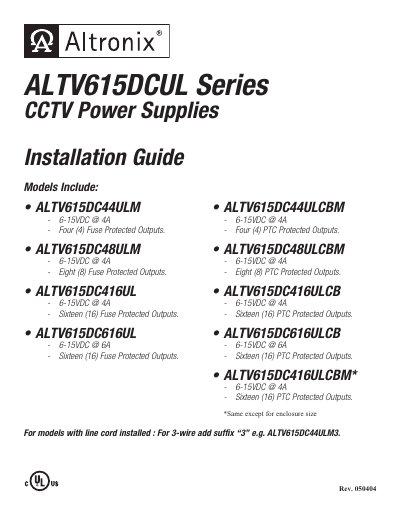
This guide provides step-by-step instructions for installing Altronix ALTV615DCUL Series CCTV power supplies. It covers mounting, wiring, voltage adjustment, and safety precautions. The series includes models with 4, 8, or 16 outputs, each with fuse or PTC protection, and supports 6-15VDC output. Units are designed for powering CCTV cameras, heaters, and other video accessories.
The guide includes diagrams for wiring, enclosure dimensions, and terminal identification. Safety warnings are included for fire and electric shock hazards, and it emphasizes compliance with local electrical codes and National Electrical Code. This manual is written in Chinese.
| Input Voltage | 115VAC, 50/60 Hz |
|---|---|
| Output Voltage | 6VDC to 15VDC (field adjustable) |
| Output Current (Fused) | 3.5A |
| Output Current (PTC) | 2.5A |
The output voltage is adjustable from 6VDC to 15VDC.
Fused outputs are rated at 3.5A, and PTC protected outputs are rated at 2.5A.
The input voltage is 115VAC, 50/60 Hz.
Adjust the output voltage using the trimpot on the power supply board before connecting CCTV devices.