
The Alpha Elite 1029B40 pager user manual provides step‑by‑step instructions for turning the device on/off, navigating menus, managing messages, setting…
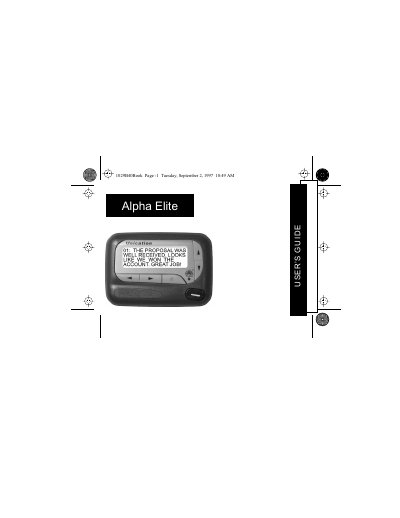
The Alpha Elite 1029B40 pager offers a four‑line display and FLEX® technology that extends battery life and supports up to 19 personal messages. This guide explains the pager’s functions, from basic operation to advanced features such as private time and maildrop alerts.
The manual covers control button functions, how to turn the pager on and off, use the function menu, read and store messages, set the time, date, and various alarms, and replace the battery. Quick reference cards and symbols are also described for fast operation.
| Display lines | Four‑line display |
|---|---|
| Maximum personal messages | 19 messages |
| Battery life improvement | Up to four times longer than ordinary pagers |
Press the J button; the pager powers on and displays the start‑up screen.
From the Function menu, press H to select the time/date option, then use the F and G buttons to adjust hour, minutes, AM/PM, month, day, and year, and press K to confirm.
Press and hold the K button for two seconds to toggle the backlight on or off.