
Key facts
- Manuals
- 1
- Languages
- EN
- Last added
- 2026-10-01
Featured Alpha Elite manuals
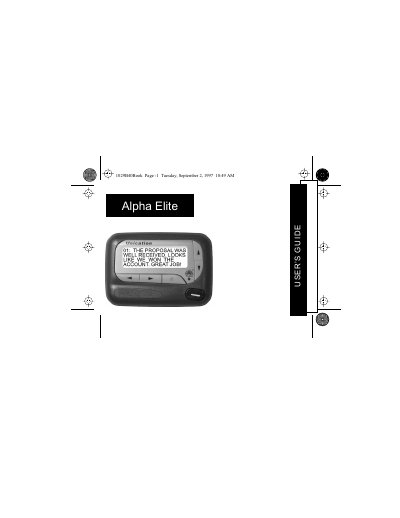
Alpha Elite 1029B40 Pager User Manual
The Alpha Elite 1029B40 pager offers a four‑line display and FLEX® technology that extends battery life and supports up to 19 personal messages. This guide explains the pager’s functions, from basic operation to advanced features such as private time and maildrop alerts.
The manual covers control button functions, how to turn the pager on and off, use the function menu, read and store messages, set the time, date, and various alarms, and replace the battery. Quick reference cards and symbols are also described for fast operation.
Covers: Introduction · Control Buttons · Getting Started · Using the Function Menu · Message‑Status Screen · Backlight
Latest Alpha Elite manuals
Alpha Elite 1029B40 Pager User Manual
User Manual 43 pages · 423 KB · ENThe Alpha Elite 1029B40 pager user manual provides step‑by‑step instructions for turning the device on/off, navigating menus, managing messages, setting…
Which document do I need?
User Manual
Day-to-day operation, settings and troubleshooting. Start here if the product is already set up.
Questions answered in Alpha Elite manuals
How do I turn the pager on?
Press the J button; the pager powers on and displays the start‑up screen.
How can I set the time and date?
From the Function menu, press H to select the time/date option, then use the F and G buttons to adjust hour, minutes, AM/PM, month, day, and year, and press K to confirm.