
AKG SR420/HT420/PT420 Wireless Microphone System Quick Start Guide

This Quick Start Guide covers the controls, setup, operation, and tips for the AKG SR420/HT420/PT420 wireless microphone system.
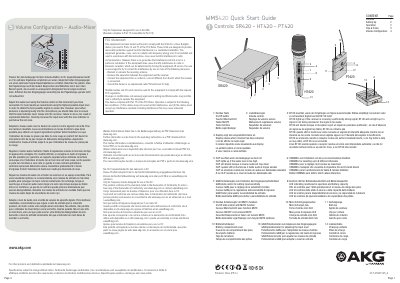

AKG SR420/HT420/PT420 Wireless Microphone System Quick Start Guide - cover page
Brand
AKG
Document type
User Manual
Language
English
Pages
2
File format
PDF
File size
1.8 MB
Published
08 November, 2026
Updated
08 November, 2026
MD5 checksum
1075CF7107D19DD0B601D0A840BDF163

About this manual

This document serves as a Quick Start Guide for the AKG SR420, HT420, and PT420 wireless microphone systems. It provides instructions on identifying the device controls, such as the On/Off button, volume control, and channel selector. The guide explains how to adjust audio levels to avoid clipping and indicates the status of the receiver signal and battery capacity via LEDs.

What's inside

  • Controls
  • Setting Up
  • Operation
  • Tips & Tricks
  • Volume Configuration

Frequently asked questions

What indicates that the receiver is receiving a sufficiently strong signal?

The RF OK light will illuminate when the receiver is receiving a sufficiently strong signal.

What happens if the audio level is set too high?

The CLIP light will turn on if the audio level is too high.

How many different channels can be selected on this system?

The system allows for the selection of up to 8 different channels.

Download PDF (1.8 MB)

More AKG Manuals


View all AKG manuals →