
AIM Infotech Aston Martin Vantage N24 + 2009 ECU Connection Guide

This guide explains how to connect AIM devices to Aston Martin ECUs, covering wiring, configuration, and available data channels.
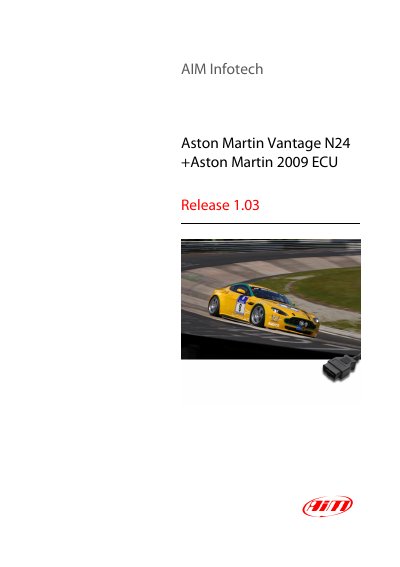

AIM Infotech Aston Martin Vantage N24 + 2009 ECU Connection Guide - cover page
Brand
AIM Infotech
Category
Vehicle maintenance
Document type
User Manual
Language
English
Pages
3
File format
PDF
File size
263 KB
Published
05 November, 2026
Updated
05 November, 2026
MD5 checksum
1EC48A7590E12AB50C7F3AE9419960C2

About this manual

This tutorial provides instructions for connecting AiM devices to Aston Martin ECUs, specifically for the Vantage N24 and 2009 models. The connection utilizes the OBDII plug located in the cockpit area, which supports a CAN bus communication protocol. The document includes a wiring table mapping OBDII pins to AiM cable connections.

What's inside

  • Wiring connection
  • OBDII connector pinout
  • AiM device configuration
  • AiM Race Studio software
  • Available channels
  • Data channel functions

Frequently asked questions

Which Aston Martin models are supported?

The supported models are the Aston Martin Vantage N24 and all Aston Martin 2009 models.

How do I configure the ECU in AiM Race Studio?

Set the ECU manufacturer to 'Aston Martin' and the ECU Model to 'CAN BUS'.

Download PDF (263 KB)