
Key facts
- Manuals
- 1
- Languages
- EN
- Last added
- 2026-11-05
Featured AIM Infotech manuals
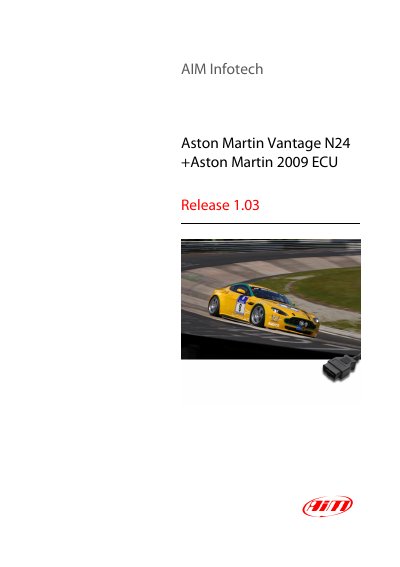
AIM Infotech Aston Martin Vantage N24 + 2009 ECU Connection Guide
This tutorial provides instructions for connecting AiM devices to Aston Martin ECUs, specifically for the Vantage N24 and 2009 models. The connection utilizes the OBDII plug located in the cockpit area, which supports a CAN bus communication protocol. The document includes a wiring table mapping OBDII pins to AiM cable connections.
Covers: Wiring connection · OBDII connector pinout · AiM device configuration · AiM Race Studio software · Available channels · Data channel functions
Latest AIM Infotech manuals
AIM Infotech Aston Martin Vantage N24 + 2009 ECU Connection Guide
User Manual 3 pages · 263 KB · ENThis guide explains how to connect AIM devices to Aston Martin ECUs, covering wiring, configuration, and available data channels.
Which document do I need?
User Manual
Day-to-day operation, settings and troubleshooting. Start here if the product is already set up.
Questions answered in AIM Infotech manuals
Which Aston Martin models are supported?
The supported models are the Aston Martin Vantage N24 and all Aston Martin 2009 models.
From: AIM Infotech Aston Martin Vantage N24 + 2009 ECU Connection Guide
How do I configure the ECU in AiM Race Studio?
Set the ECU manufacturer to 'Aston Martin' and the ECU Model to 'CAN BUS'.
From: AIM Infotech Aston Martin Vantage N24 + 2009 ECU Connection Guide