
This quick guide covers the scope of delivery, required accessories, and initial configuration steps for the ABUS TVHS20200 7" PoE Touch Monitor.
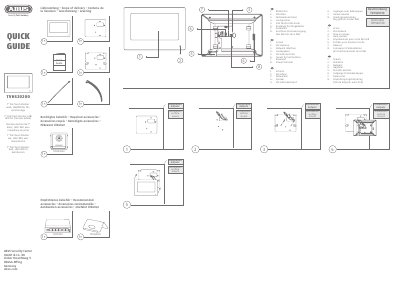
This document serves as a quick guide for the ABUS TVHS20200 7" PoE Touch Monitor, detailing the scope of delivery and required accessories for the device. It provides a visual overview of the monitor's ports, including the network interface, microphone, and inputs for bell buttons, as well as the power terminal for non-PoE operation.
The guide outlines the initial setup process, instructing users to assign a secure password for network access after installation. It directs users to follow the installation wizard to complete four specific configuration steps and references additional installation instructions available in separate guides for modules and frames. This manual is written in German.
It is a 7" PoE Touch Monitor for door intercom systems.
Assign a secure password for network access.
Four steps of configuration are required.
It connects to NO2 and COM2.