
A-BUS is a registered trademark of LeisureTech Electronics Pty Ltd. The product is a universal remote with dedicated A-BUS control buttons and 6 banks with code library and learning capabilities.
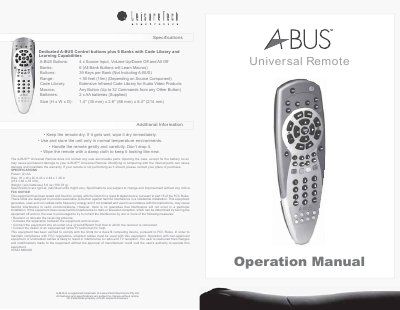
This manual explains how to install the two AA batteries, configure the remote’s six button banks, and program devices using the built‑in code library or learned macros. It also details the remote’s physical specifications, such as size, weight, and infrared range, and includes safety and handling guidelines.
Additional sections cover searching for device codes when a preset code does not work, checking which code is active, and FCC compliance information to avoid radio interference. The document is intended for end users who need to operate and maintain the A‑BUS Universal Remote.
| Dimensions (H x W x D) | 8.43 x 2.64 x 1.38 in (214 x 66 x 35 mm) |
|---|---|
| Weight (without batteries) | 5.6 oz (158.76 g) |
| IR range | < 50 feet (15 m) (depending on source component) |
| Number of banks | 6 banks plus dedicated A‑BUS bank |
| Keys per bank | 39 keys per bank (not including A‑BUS) |
Open the battery compartment cover on the back, insert two AA batteries matching the polarity symbols, and replace the cover.
The remote works up to about 50 feet (15 m), depending on the source component.