
The ABB Z7021-H / Z7021-S smart wireless switch manual provides installation steps, wiring diagram, technical specifications, and warranty information.
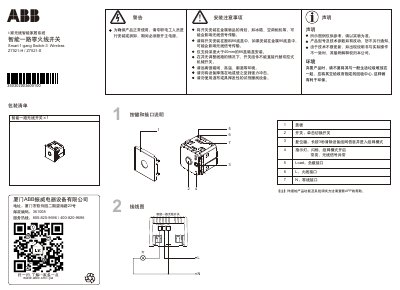
This manual covers the ABB Z7021-H / Z7021-S smart wireless switch, including a packaging list, button and interface description, and detailed installation precautions. It explains how to mount the switch in a suitable 86‑type plastic box, avoid metal enclosures, and perform the wiring connections.
The document also provides technical parameters such as operating voltage, dimensions, environmental limits, IP rating, and maximum load. Warranty details, hazardous material declarations, and a warranty card form are included to help users register the product and understand the 18‑month free repair service. This manual is written in Chinese.
Press and hold the reset key for 3 seconds; the indicator will flash and the device will enter network‑pairing mode.
Install the switch in a plastic 86‑type box with a depth greater than 40 mm; metal boxes may affect wireless signal transmission.
ABB provides an 18‑month free repair warranty from the production date indicated by the serial number.