
This document describes the operation, setup, and configuration of the ABB Totalflow Liquid Transfer application for XSeries and Xcore devices.
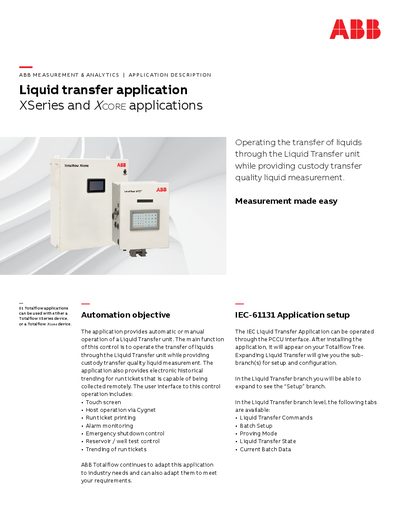
The ABB Totalflow Liquid Transfer application provides automatic or manual operation of liquid transfer units while ensuring custody transfer quality measurement. It supports electronic historical trending for run tickets accessible via touch screen, host operations through Cygnet, and remote collection.
The application is compatible with both Totalflow XSeries and Totalflow Xcore devices and can be operated through the PCCU interface. Key features include configuration of transfer states, commands (Start, Stop, New Batch), PID control for pumps, alarm monitoring, emergency shutdown control, and reservoir or well test controls.
The application can be used with either a Totalflow XSeries device or a Totalflow Xcore device.
The IEC Liquid Transfer Application can be operated through the PCCU interface.
If a shutdown condition occurs, ESD has been issued or a Disable command has been issued, the unit will stop and the current batch will end.