
Quick guide for the ABB W22 51.1 BL video outdoor station monitor, covering wiring distances, interfaces, address settings, master/slave setup, and mounting.
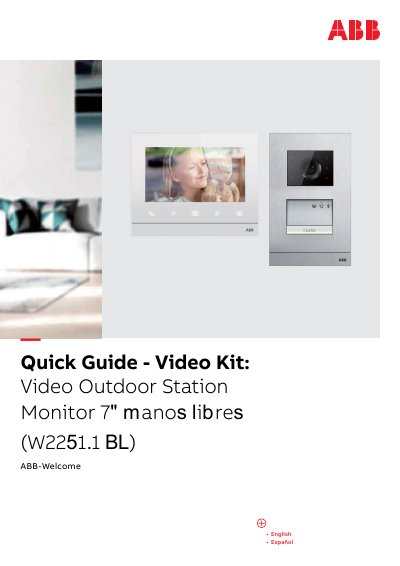
This quick guide covers wiring, interface descriptions, address settings, master/slave function, terminal resistor settings, mounting dimensions, and control elements for the ABB-Welcome video kit with the W22 51.1 BL outdoor station and 7-inch indoor station.
It provides bilingual English and Spanish instructions, a cable distance table, connector descriptions for the camera and audio modules, door opener ratings, and service contact information.
| Wiring distances | 470, 290, 150, 130, 300 m |
|---|---|
| Floating door opener output | 30 V AC/DC, 1 A |
| Lock-GND door opener | 18 V, 4 A impulsive, 250 mA holding |
| Bus connection | 2-wire, 110-240 V |
| Camera video format | PAL/NTSC |
| Outdoor station address range | 1-9 |
| Door lock release time | 1-10 seconds |
| Indoor station screen | 7-inch touch screen |
The guide lists maximum wiring distances of 470, 290, 150, 130, and 300 m for coaxial, RVV, J-Y 0.8 mm, J-Y 0.6 mm, and UTP 5 cables.
Only one indoor station in each apartment can be set as Master.
In video or mixed audio and video installations, the switch must be set to RC on on the last device of the line.
The outdoor station address is set with the rotary switch from 1 to 9.