
Instructions for changing and configuring the HMI module in ABB PST30-PST300 and PSTB370-PSTB1050 softstarters.
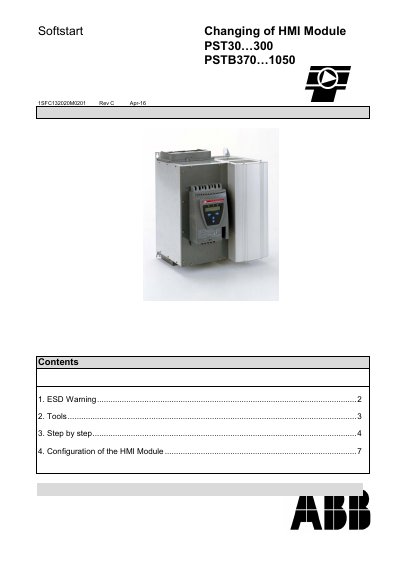
This manual covers safety information, ESD precautions, required tools, and a step-by-step procedure for removing and replacing the HMI module in ABB softstarters of sizes PST30 to PST300 and PSTB370 to PSTB1050.
It also explains HMI module configuration, including size-specific parameter values for 600 V and 690 V softstarter versions, and notes that programming must be completed before the softstarter is taken into operation.
| Current transformer resistance | 0.2-6 ohm, depending on PST(B) size |
|---|---|
| 600 V version order code | 1SFA 894xxxR7000 |
| 690 V version order code | 1SFA 895xxxR 7000 |
Use Torx T15 for PST30 to PST72 and Torx T20 for PST85 to PST300 and PSTB370 to PSTB1050.
The HMI module must be programmed using the parameter values for the applicable softstarter size.
If the two cables on each current transformer are black, use a multimeter; the resistance is between 0.2 and 6 ohm depending on size.