
ABB Motion Control Servo Drive Error Handling Manual

This manual provides troubleshooting, error code explanations, and reset procedures for ABB motion control servo drives.
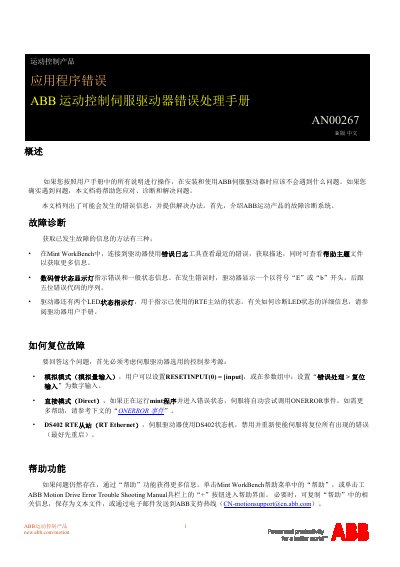

ABB Motion Control Servo Drive Error Handling Manual - cover page
Brand
ABB
Document type
Service Manual
Language
Chinese
Pages
75
File format
PDF
File size
1.5 MB
Published
10 October, 2026
Updated
10 October, 2026
MD5 checksum
8CAB555E91ADB03F932C15C9B56EAACE

About this manual

This document serves as a guide for diagnosing and resolving errors encountered during the installation and use of ABB servo drives. It details how to interpret error information via the Mint Workbench tool, digital displays, or LED indicators, and explains methods for resetting faults based on different control reference sources such as analog mode, direct mode, or DS402 RTE slave. This manual is written in Chinese.

What's inside

  • Overview
  • Fault Diagnosis
  • How to Reset Faults
  • Help Function
  • Error Categories and Codes
  • Synchronous Errors
  • Asynchronous Errors
  • ONERROR Event
  • Using the Error List
  • Modifying Default Error Handling

Frequently asked questions

How do you reset a fault in analog mode?

Users can set RESETINPUT(0) = [input] or configure the 'Error Handling > Reset Input' parameter group to a digital input.

What happens if an ONERROR event is not defined for a synchronous error?

The system will print the error message to the terminal and immediately terminate (abort) the Mint program.

How many entries can the error list store on MicroFlex e190 drives?

The error list can store up to 256 entries.

Download PDF (1.5 MB)

More ABB Manuals


View all ABB manuals →