
This user guide details the configuration and operation of advanced software options for the ABB C1900 Circular Chart Recorder, including Ramp/Soak Control…
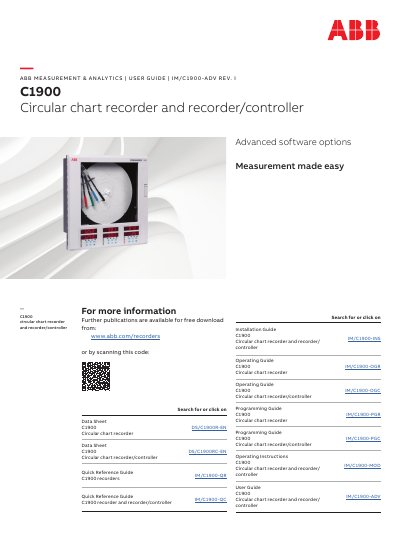
This document serves as a user guide for the ABB C1900 Circular Chart Recorder and Recorder/Controller, specifically focusing on advanced software options. It provides detailed instructions on configuring and operating features such as Ramp/Soak Control, Totalization, Maths Functions, and Timer Functions.
The guide is structured into sections covering Control Configuration Level, Advanced Configuration Level for Totalization, Maths, and Timer functions. It explains how to set up profiles, manage digital inputs, calculate flow rates, perform mathematical operations, and configure timers and clocks for the instrument.
| Number of programs per control channel | 10 |
|---|---|
| Number of programmable segments | 99 |
| Program repeat range | 0 to 99 times or continuously |
| Time units | hours or minutes |
It reduces the delay between the end of a program and the beginning of the next program by using the process variable value as the program start point.
It ensures safe operation of retorts under fault conditions by putting the program on 'hold' and tracking the process variable.
It is only available on instruments fitted with the Timer option.