
This guide explains how to configure TP-LINK routers to enable remote login and Modbus-TCP communication for multiple ABB AC500 PLCs using port forwarding.
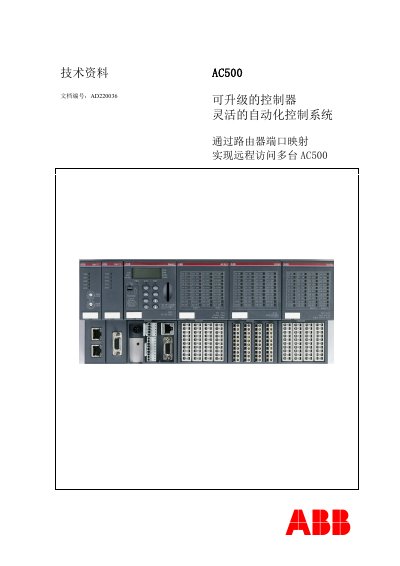
This technical document provides instructions for customers to achieve remote access to multiple ABB AC500 series PLCs. It details the process of using router port mapping (port forwarding) to allow remote login for programming and remote Modbus-TCP communication, where the PLC acts as a Modbus-TCP server.
The guide covers system configuration, including setting up the PLC Ethernet ports, configuring the TP-LINK TL-WDR3310 router (WAN/LAN settings, static IP allocation, and virtual server rules), and establishing connections. It includes specific steps for remote login using Control Builder Plus and Modbus-TCP client software like ModScan32. This manual is written in Chinese.
The setup requires one PM583-ETH CPU, one PM554-ETH CPU, a TP-LINK TL-WDR3310 router, three Ethernet cables, PS501 software version V2.2.0, ControlBuilderPlus, and ModScan32.
The AC500 programming software online requires the fixed internal port of 1201.
The external Service Port is set to 1350 for PM583-ETH and 1352 for PM554-ETH.