
User's manual for the ABB 2600T 364DS, 364PS, 364DD, 364DR, and 364PR pressure transmitters, covering installation, configuration, operation, and maintenance.
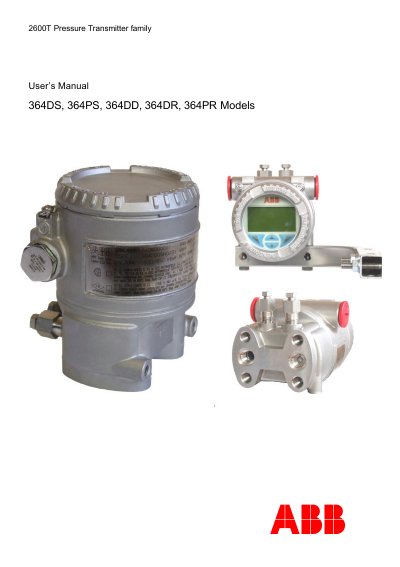
ABB's 2600T 364xS user's manual covers the 364 models of the 2600T Series Differential Pressure Transmitter. It is organized around the instrument lifecycle, from opening the box and installation through configuration, operation, and maintenance, and includes initial configuration, calibration, and troubleshooting information.
Configuration guidance is divided by available tool: local keys, the Digital LCD Integral Display, a Hand Held terminal, and a PC with suitable software such as Smart Vision. The manual also includes safety notes, wiring, HART communication, trimming and calibration setup, replacement procedures, and diagnostic messages.
| Models covered | 364DS, 364PS, 364DD, 364DR, 364PR |
|---|---|
| Measurement type | Differential pressure |
| Communication protocol | HART |
| Local display | Digital LCD Integral Display |
| Pipe mounting | Supported |
| Wall mounting | Supported |
The manual covers the 364DS, 364PS, 364DD, 364DR, and 364PR models of the 2600T Series.
It covers operation and maintenance of the 364 Models, including initial configuration, calibration, and troubleshooting.
The manual describes configuration using local keys, the Digital LCD Integral Display, a Hand Held terminal, and a PC with suitable software such as Smart Vision.
The relevant sections of the instructions must be read carefully before proceeding.