
AAVVLL AVL-900(M) Hardware Installation Guide

This manual provides installation instructions, panel descriptions, and SMS Track software setup for the AAVVLL AVL-900(M) GPS tracker.
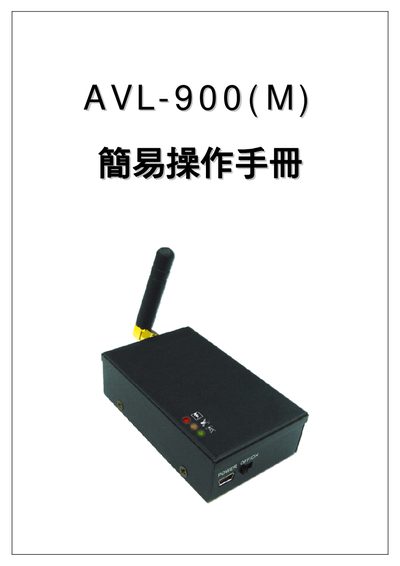

AAVVLL AVL-900(M) Hardware Installation Guide - cover page
Brand
AAVVLL
Category
GPS
Document type
User Manual
Language
Chinese
Pages
12
File format
PDF
File size
2.6 MB
Published
13 October, 2026
Updated
13 October, 2026
MD5 checksum
1B2A4485F191EBB86E279D5A27DC782D

About this manual

This document serves as a quick installation guide for the AAVVLL AVL-900(M) device. It covers pre-installation checks, panel identification, step-by-step hardware setup including antenna and SIM card installation, and power connection methods. The guide also details how to verify the device status via indicator lights and perform post-installation checks. This manual is written in Chinese.

What's inside

  • Pre-installation Notes
  • Panel Description
  • Installation Steps
  • Power Wiring
  • Indicator Light Status
  • Post-installation Check
  • SMS Control Code Usage
  • SMS Track Software Installation

Frequently asked questions

What is the factory default password?

The factory default password is '8888'.

How long does the first GPS positioning take?

The first positioning time is relatively long, taking about 20 minutes.

What does the flashing orange GPS light indicate?

A flashing orange GPS light indicates that the device is currently positioning.

Download PDF (2.6 MB)