
User guide for A4Tech FB10C wireless mouse with 2.4G and Bluetooth connectivity, charging, and multi-device switching instructions.
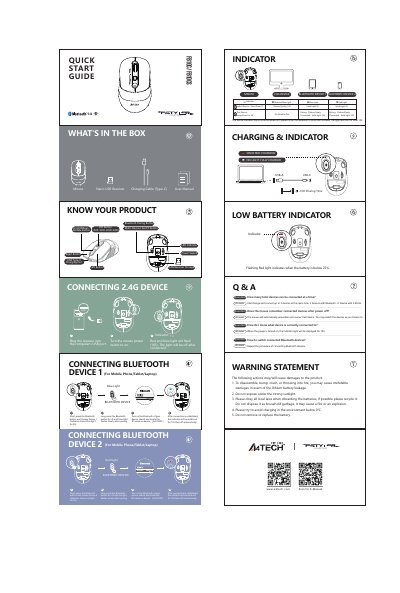
This manual explains how to connect and use the A4Tech FB10C wireless mouse via 2.4G or Bluetooth. It covers charging, indicator lights, device switching, and safety precautions. The mouse supports up to three devices simultaneously: two Bluetooth and one 2.4G.
Instructions include pairing steps for both Bluetooth modes, charging via USB-C, and interpreting indicator lights for battery status and connection status. This manual is written in Chinese.
| Max Devices | 3 devices (2 Bluetooth + 1 2.4G) |
|---|---|
| Charging Time | 2.5 hours |
Up to 3 devices: 2 Bluetooth and 1 2.4G device.
Yes, it automatically remembers and reconnects to the last device.
The indicator light flashes for 10 seconds when powered on to show the connected device.