
This document introduces the installation and setup process of the CommandCenter Secure Gateway E1 device.
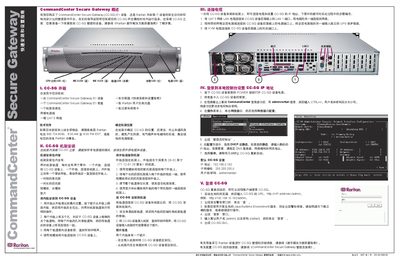
The guide provides step‑by‑step instructions for installing the CommandCenter Secure Gateway (CC‑SG) E1 device. It covers unpacking, rack mounting, cable connections, power‑on, and initial network configuration.
After installation, the guide explains how to log in locally to set the IP address, choose DHCP or static addressing, and then access the device remotely via a web browser. This manual is written in Chinese.
| Default IP address | 192.168.0.192 |
|---|---|
| Default subnet mask | 255.255.255.0 |
| CPU over‑heat LED | Red |
Contact Raritan US at 800.724.8090 between 8:00 AM and 8:00 PM EST or your local Raritan office.
Press the POWER button on the front of the CC‑SG device.
Log in to the local console, open Network Interface Configuration, and choose DHCP or enter a static IP address, then save the settings.
The default username is admin and the default password is raritan.