
Dinion IP NWC-455-10P | NWC-455-20P user manual. This manual introduces the functions and features of the Dinion IP network camera.
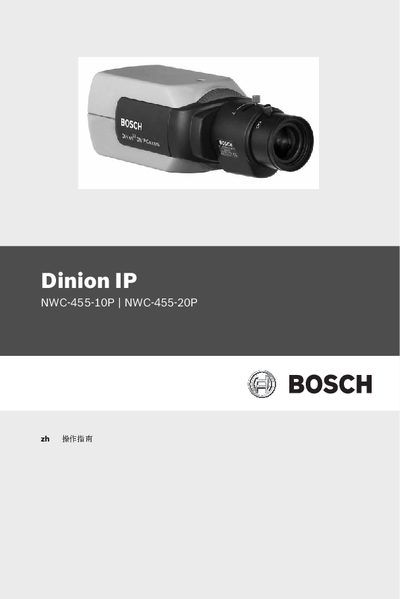
This manual covers the complete installation, configuration, and operation of the Bosch Dinion IP NWC-455-10P and NWC-455-20P cameras. It includes safety guidelines, system requirements, feature overviews, network setup, browser‑based control, recording options, alarm configuration, and maintenance procedures.
The document also contains detailed technical specifications, troubleshooting tips, and a glossary of terms to help users and technicians understand and maintain the devices safely and efficiently. This manual is written in Chinese.
| Effective picture pixels | 752x582 (PAL) / 768x492 (NTSC) |
|---|---|
| Rated voltage | 24 VAC, 12 VDC, or PoE (IEEE 802.3af) |
| Minimum illumination | <0.4 lux (color), <0.15 lux (B/W) |
| Dimensions | 59 × 67 × 122 mm |
| Weight | 450 g |
| Operating temperature | 0 °C to 40 °C |
The camera can be powered by 24 VAC, 12 VDC, or via Ethernet Power over PoE (IEEE 802.3af).
Use a dry cloth, or a slightly damp lint‑free cloth; do not use liquid cleaners or spray cleaners.
The camera needs less than 0.15 lux in black‑and‑white mode (less than 0.4 lux in color mode).