
This document introduces the performance indicators, product interfaces, client installation guide, client usage guide, and other instructions of the 4-channel DVS network video server. The product adopts H.264 compression algorithm and supports various functions such as motion detection, alarm input/output, and PTZ control.
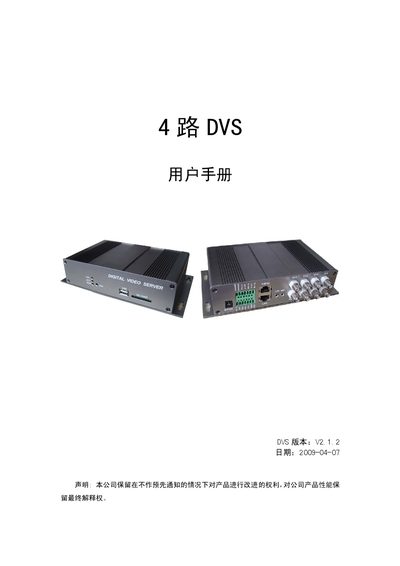
This manual describes the 4‑channel DVS video server, its hardware features, supported video formats, storage options and network capabilities. It provides detailed instructions for installing the client software, configuring system requirements, and using the client interface to view and control video streams.
The guide also covers LAN/WAN configuration, remote access via a web browser, user management, alarm handling, and firmware upgrade procedures, helping users set up and maintain the device in various surveillance scenarios. This manual is written in Chinese.
| Video compression chip | HiSilicon Hi3510 SOC H.264 |
|---|---|
| Supported video resolutions | 1×D1, 2×Half D1, 4×CIF or QCIF |
| Local storage options | SD card and external hard drive |
| Network protocols | DDNS, PPPoE, DHCP, UPnP |
| Alarm and recording triggers | Alarm, motion detection, scheduled and manual recording |
| Audio communication | Two‑way voice intercom via microphone and speaker |
| PTZ control interface | RS‑485 supporting Pelco_D, Pelco_P and transparent transmission |
Run the installer DVS_Client_Setup.exe, choose the language, select the desired components, and follow the on‑screen prompts to complete the installation.
Modify the device’s IP address and gateway to match the client’s network segment, or add a matching IP configuration on the PC.