
This is a Chinese manual that introduces the use and function of the keyboard
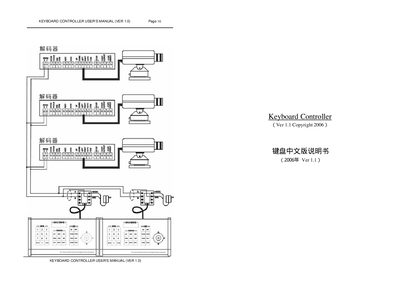
The Keyboard Controller manual provides an overview of the system, describing its ability to control up to 64 devices, switch video sources, and manage camera functions. It includes sections on hardware connections, power requirements, and communication settings such as baud rate.
Detailed operating instructions cover mode selection, keypad commands, password protection, alarm clearing, and custom preset handling. The guide also explains how to save settings, adjust the pan‑tilt unit, and configure automatic video switching sequences. This manual is written in Chinese.
| Baud rate | 9600 |
|---|---|
| Maximum controllable devices | 64 |
Enter the sequence "998+AUX" to set a new password, then confirm with "Password:" and the new 4‑digit code.
The controller supports a baud rate of 9600; select this value in the baud‑rate table.
Use the "ARM+ACK" command to clear the alarm, or press the manual clear button to remove it.
The controller can manage up to 64 devices at the same time.