
Key facts
- Manuals
- 2
- Categories
- 1
- Languages
- ZH
- Last added
- 2012-08-06
Featured Keyboard manuals
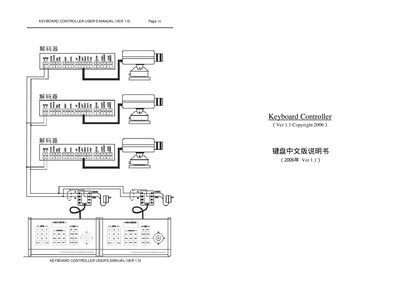
Keyboard Controller User Manual
The Keyboard Controller manual provides an overview of the system, describing its ability to control up to 64 devices, switch video sources, and manage camera functions. It includes sections on hardware connections, power requirements, and communication settings such as baud rate.
Detailed operating instructions cover mode selection, keypad commands, password protection, alarm clearing, and custom preset handling. The guide also explains how to save settings, adjust the pan‑tilt unit, and configure automatic video switching sequences. This manual is written in Chinese.
Covers: Overview · Hardware Connections · Operation Modes · Keypad Commands · Password Protection · Alarm Clearing
Latest Keyboard manuals
Keyboard Wedge installation Manual
This document introduces the installation method of the scanner, including the connection method of keyboard wedge, RS-232 and USB interface.
Keyboard Controller User Manual
User Manual 8 pages · 117 KB · ZHUser manual for the Keyboard Controller that explains setup, operation, and configuration of the device.
Which document do I need?
User Manual
Day-to-day operation, settings and troubleshooting. Start here if the product is already set up.
Questions answered in Keyboard manuals
How do I set or change the password on the Keyboard Controller?
Enter the sequence "998+AUX" to set a new password, then confirm with "Password:" and the new 4‑digit code.
What baud rate should be used for communication with the controller?
The controller supports a baud rate of 9600; select this value in the baud‑rate table.