
Xplore G18 User Manual, introduces the features and characteristics of this product, including computer system requirements, front/side panel controls, touch and select, turn on G18 and calibrate its screen, adjust the screen's backlight and contrast, open applications, G18 interface, customize your G18, set date, time and time zone, set sleep status, ringtone and call volume, system language settings, machine-to-machine infrared transmission settings, Hanwang pen full-screen handwriting program, network/communication settings, using the screen keyboard input, install additional applications, remove applications, HotSync function settings, infrared HotSync operation examples, data backup, and transfer data from other Palm terminal devices.
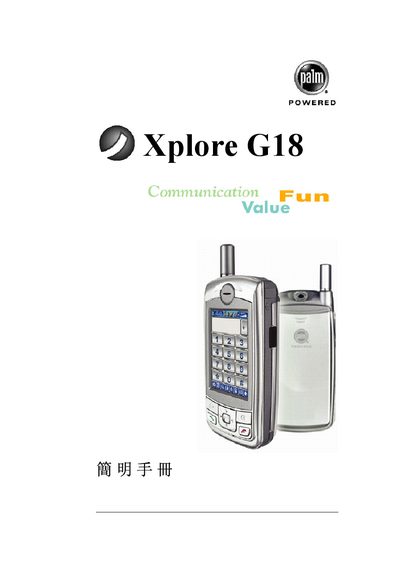
The Palm Xplore G18 manual introduces the device, its Palm OS environment, and the basic hardware components such as the 16 MB RAM, VGA display, and built‑in CD‑ROM drive. It also covers the required software, including Palm Desktop and Windows compatibility (Windows 98/NT/2000/XP).
The guide explains how to connect the PDA to a PC, perform HotSync operations, manage power, and reset the device. Troubleshooting tips and reference tables are included to help users maintain the handheld in everyday use.
| RAM | 16 MB |
|---|---|
| Additional Memory | 20 MB |
| Display | VGA |
| Optical Drive | CD‑ROM |
| Operating System Compatibility | Windows 98/NT/2000/XP |
Use the Reset button (labeled SRE) on the device to restore default settings.
Install Palm Desktop on the PC and use the provided cable to link the PDA.