
Palm OS Emulator ERS is the Palm Computing company's Palm OS emulator engineering specification, which introduces the function and usage of the emulator.
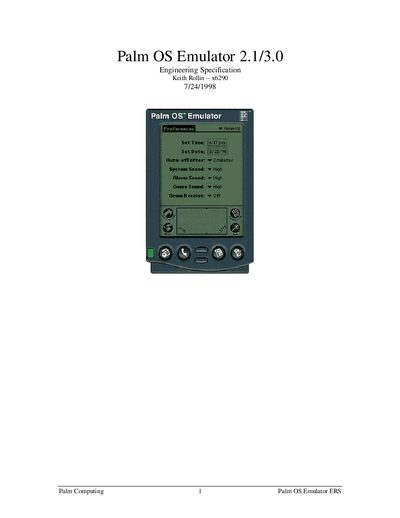
The Palm OS Emulator is a desktop application that emulates Palm hardware, allowing developers to test and debug Palm OS applications and end‑users to evaluate software safely. The manual describes the emulator’s purpose, goals, and the hardware it simulates, including CPU, memory, and hardware registers.
It covers system requirements for Windows and Macintosh, the user interface for launching, loading ROMs, saving session state, and configuring preferences. Detailed sections explain debugging options, gremlins, profiling, and the programmer "Host" API that lets applications interact with the emulator. Differences between version 2.0 and 2.1 are also listed.
| Supported Windows versions | Windows 95 or later, Windows NT 3.51 or later |
|---|---|
| Minimum CPU (Windows) | 200 MHz Pentium or better (recommended) |
| Minimum RAM (Windows) | 16 MB |
| Minimum screen resolution | greater than 640 × 480 |
| Minimum disk space | 700 KB plus space for ROM files |
| Supported Macintosh OS | Mac OS 7.5 or later (8.0 recommended) |
| Minimum CPU (Macintosh) | 200 MHz PowerPC processor |
| Minimum RAM (Macintosh) | 2 MB plus 1 MB per emulated device MB |
The emulator runs on Windows 95 or later and Windows NT 3.51 or later; Windows 3.x with Win32s is not supported.
Users can load .prc or .pdb files via the Load menu; the files are installed just like with the Palm Install tool or the "import" command.