
This is the user's guide for Sony Ericsson K200c
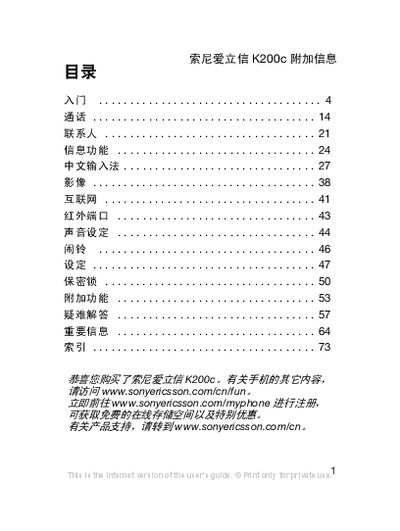
The manual introduces the Sony Ericsson K200c mobile phone, outlines safety precautions, and explains the symbols used throughout the guide.
It then details menu navigation, key functions such as camera, messaging, and audio controls, and provides step‑by‑step instructions for SIM card installation, PIN handling, and other common operations. This manual is written in Chinese.
| Network bands | GSM 900/1800 |
|---|
Remove the back cover, place the SIM card with the contacts facing down, and then reattach the cover as shown.
Open the PIN settings in the menu, select the option to change the PIN, and follow the prompts to enter the new code.