
MUKii TIP-Q120U2SI SATA/IDE to USB 2.0 Adapter is a simple and easy-to-use adapter that supports 2.5”/3.5” IDE/SATAI/II HDD/SATA SSD, and can be used to connect laptops, desktops and other USB devices.
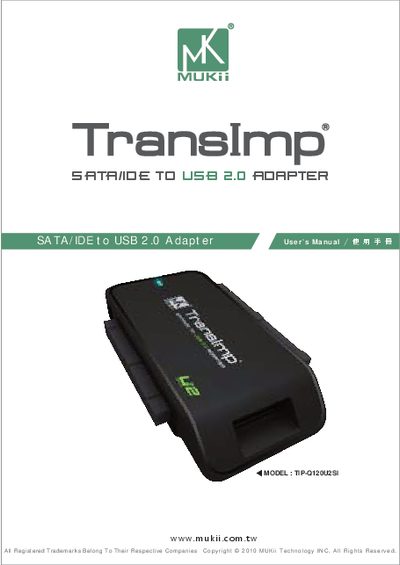
The TIP-Q120U2SI adapter from MUKii lets you connect 2.5", 3.5" and 5.25" IDE/SATA hard drives or SATA SSDs to a computer via a USB 2.0 port. It includes an external AC power adapter, a USB cable, a 14‑pin SATA power cable, and optional value‑added software for formatting, backup and power‑saving features.
The manual covers the package contents, key features and specifications, system requirements, parts layout, step‑by‑step installation for IDE and SATA drives, an introduction to the M One tuning software, a FAQ section, warranty information and contact details. This manual is written in Chinese.
| Model | TIP-Q120U2SI |
|---|---|
| Device support | IDE/SATA I/II Hard Drive or SATA SSD |
| Device size | 2.5" / 3.5" / 5.25" |
| Internal interface | USB 2.0 |
| Material | Plastic |
| Dimension | 75 x 49 x 13 mm |
| Power | AC Power Adapter |
| Cable length | 80 cm (31.5 inches) |
Because 3.5" IDE or SATA devices need external power and must be turned on before the USB connection.
Format the new drive using the included M one tuning program before use.
Different operating systems use different file systems that are not mutually compatible.
Connect the device to two USB ports to provide enough power.