
This document is the user manual for the SATA to USB 3.0 Adapter from MUKii Technology INC. It describes the features and specifications of the adapter, system requirements, and installation steps. Additionally, it provides an introduction to the M One tuning system and FAQs. The document includes the adapter, USB 3.0 cable, user manual, and AC power adapter.
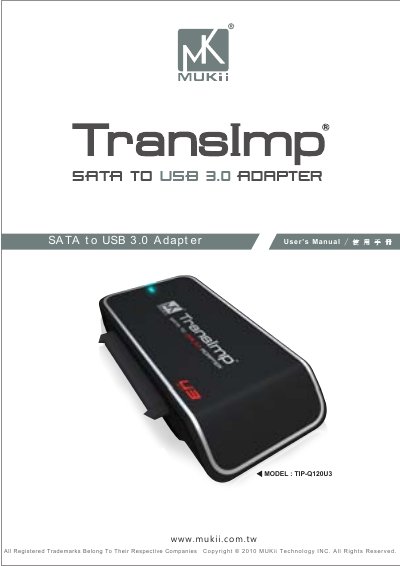
This manual introduces the MUKii TIP‑Q120U3 SATA to USB 3.0 Adapter, a compact, hot‑swappable bridge that supports 2.5", 3.5" and 5.25" SATA HDD/SSD devices. It includes an external AC power adapter, a USB 3.0 cable, and the M One tuning software for formatting, backup and power‑saving functions.
The guide covers system requirements, parts layout, step‑by‑step installation for both 2.5" and 3.5" drives, usage of the M One tuning system, frequently asked questions and warranty information, helping users quickly set up and maintain external storage. This manual is written in Chinese.
| Model | TIP-Q120U3 |
|---|---|
| Device support | SATA I/II Hard Drive or SATA SSD |
| Device size | 2.5" / 3.5" / 5.25" |
| Internal interface | USB 3.0 |
| Material | Plastic |
| Dimension | 86.5 x 51 x 15 mm |
| Power | AC Power Adapter |
| Cable length | 80 cm (31.5 inches) |
The 3.5" SATA drive must be connected to the external power adapter and turned on before attaching the USB cable.
The drive needs to be formatted with the M One tuning program before it can be accessed.
Different operating systems use incompatible file system formats, so the drive may not be recognized.
Some laptops do not supply enough USB power; connecting two USB cables provides sufficient electricity.