
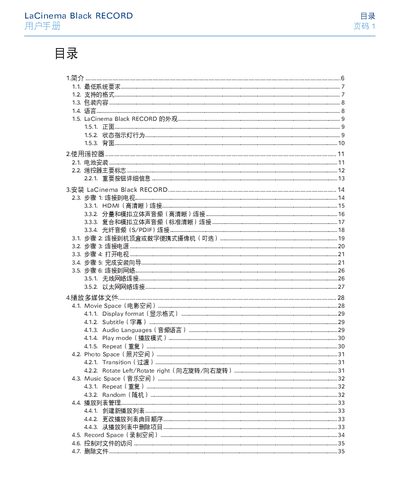
This manual provides step‑by‑step instructions for installing the LaCinema Black RECORD, connecting it to a TV or network, and using the remote control. It also details supported media formats, playback options, and how to record video from external sources.
Safety guidelines, warranty information, and contact details for Lacie technical support are included, along with troubleshooting tips and firmware update procedures. This manual is written in Chinese.
| Power input | 100‑240 V~, 4 A, 60‑50 Hz |
|---|
Use the Firmware Update option in Settings → Advanced to download and install the latest version.
The main buttons include Power, Menu, Play/Pause, and the navigation arrows, as described in the remote‑control section.
Adjust the antenna direction, increase distance between the device and the receiver, or connect each to separate power outlets.