
This is a user manual for Victorinox Presentation Master and Victorinox Secure products.
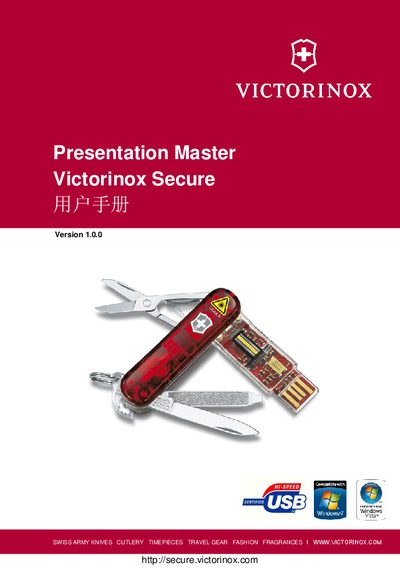
This user manual covers the Victorinox Presentation Master and Victorinox Secure biometric USB storage devices. It explains first startup, fingerprint enrollment, login, Internet and Outlook features, backup, synchronization, settings, encrypted disk drives, password management, and Bluetooth module use.
It also lists compatibility requirements and important handling precautions, and includes Bluetooth troubleshooting plus technical support and legal information. This manual is written in Chinese.
| CPU | Intel or AMD |
|---|---|
| USB interface | USB 2.0 or USB 3.0 |
| Operating systems | Windows XP SP3, Windows Vista 32/64 Bit SP1, or Windows 7 32/64 Bit |
| Browser | MS Internet Explorer 7 or later, or Firefox |
| Email client | MS Outlook 2007 or later, or MS Outlook Express |
| Permissions | Local administrator rights needed for all functions |
| Bluetooth receiver | Level 1 or level 2 with Microsoft or compatible Bluetooth driver |
| Factory file system | exFAT |
| Presentation Master Bluetooth battery | Model 389 |
exFAT.
Use a soft cotton cloth dampened with water; do not use scrapers or microfiber cloths.
Make sure Bluetooth is turned on; if the function key does not work, contact the computer manufacturer's support; if there is no built-in Bluetooth module, add one.
A model 389 battery.