
This manual introduces the use methods, functional features and other information of DVD-F1080L, DVD-F1080 and DVD-FP580
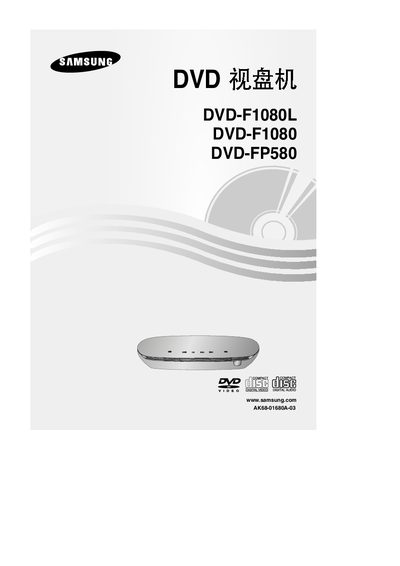
This manual covers the safe installation and setup of Samsung DVD-F1080L, DVD-F1080 and DVD-FP580 DVD players, including power connection, ventilation requirements, and remote‑control battery replacement. It also details the front‑panel and rear‑panel controls, video/audio output options (HDMI, component, coaxial), and how to configure settings such as progressive scan and screen‑ratio.
Additional sections describe disc‑type compatibility, disc‑care procedures, parental‑lock features, and environmental disposal information. Safety warnings and warranty notes are included to ensure proper use in a home‑entertainment environment. This manual is written in Chinese.
| Supported Video Output | 1080p progressive scan (DVD-F1080, DVD-F1080L) |
|---|---|
| Remote Battery Type | CR2025 |
Enter the settings menu and select the video output option for progressive scan.
Wipe the disc gently with a soft cloth from the center outward, avoiding chemicals and not rubbing back and forth.