
This file is a fast installation manual for fonkorder1, which introduces how to install the software and hardware of fonkorder1 USB recorder
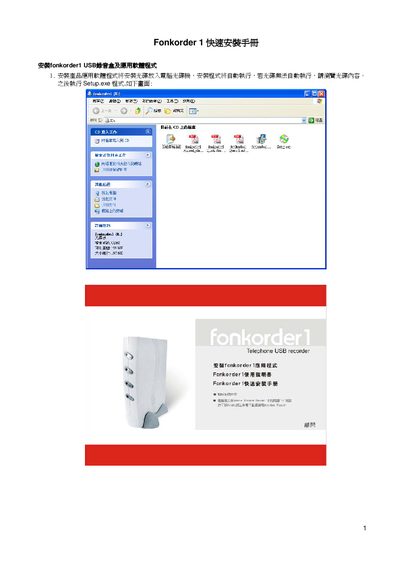
The guide provides step‑by‑step instructions for installing the Fonkorder 1 USB recording device, connecting the RJ‑11 telephone lines, and setting up the USB audio driver on a Windows PC. It also covers installing the supplied application software from the CD and configuring the initial login credentials.
After installation, the user can launch the Fonkorder 1 application, log in with the default admin account (password 1111), and perform a basic test to verify that the recorder and software are functioning correctly. This manual is written in Chinese.
| Minimum required disk space | 8.6 MB |
|---|---|
| CD size | 197 MB |
The default admin password is 1111.