
Key facts
- Manuals
- 1
- Languages
- ZH
- Last added
- 2011-11-02
Featured Fonkorder manuals
Fonkorder 1 Quick Start Guide
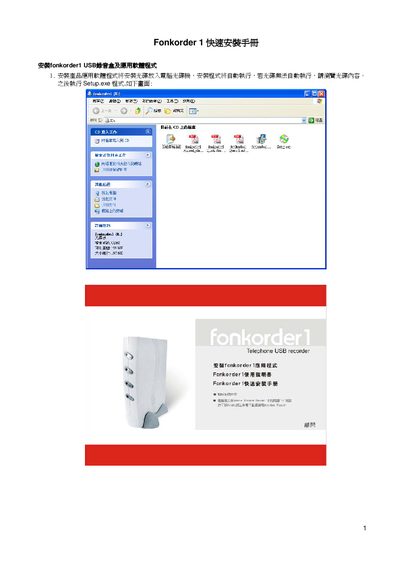
The guide provides step‑by‑step instructions for installing the Fonkorder 1 USB recording device, connecting the RJ‑11 telephone lines, and setting up the USB audio driver on a Windows PC. It also covers installing the supplied application software from the CD and configuring the initial login credentials.
After installation, the user can launch the Fonkorder 1 application, log in with the default admin account (password 1111), and perform a basic test to verify that the recorder and software are functioning correctly. This manual is written in Chinese.
Covers: Hardware Installation · Software Installation · USB Driver Installation · Initial Setup and Login · Recorder Test Procedure
Latest Fonkorder manuals
Fonkorder 1 Quick Start Guide
Quick Start Guide 10 pages · 653 KB · ZHThis quick start guide shows how to install the Fonkorder 1 USB recorder hardware and its application software.
Which document do I need?
Quick Start Guide
The shortest path to a working setup, usually only a few pages.
Questions answered in Fonkorder manuals
What is the default admin password for the Fonkorder 1 application?
The default admin password is 1111.