
This is a quick start manual for netFox 3G/GPS Camera. It includes package list, hardware connection setup, LED light description, software installation guide etc.
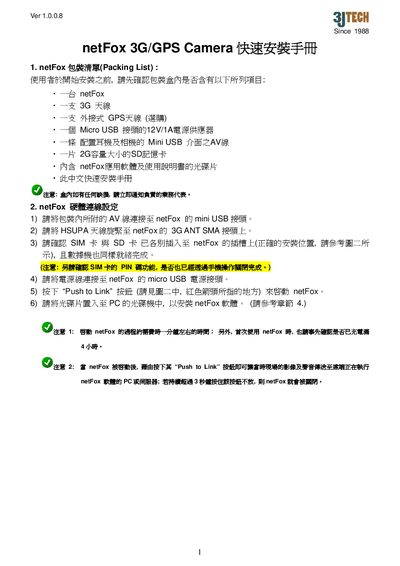
The guide provides step‑by‑step instructions for installing the netFox 3G/GPS Camera. It starts with a packing list, shows how to connect the AV cable, 3G antenna, optional GPS antenna, SIM card, and power adapter, and then walks through the software installation on a PC.
It also describes the meaning of the various LED indicators (Recording, 3G Modem, Cellular Signal, SD Card, GPS) and explains basic operation such as using the Push‑to‑Link button to start video transmission and enabling GPS positioning. This manual is written in Chinese.
| Power Adapter | Micro USB 12 V 1 A |
|---|
Connect the supplied power adapter to the netFox’s micro USB power port.