
This document is a user guide for viliv mobile computer communication devices, which introduces the product's precautions, copyright, certification, disclaimer, and specification changes.
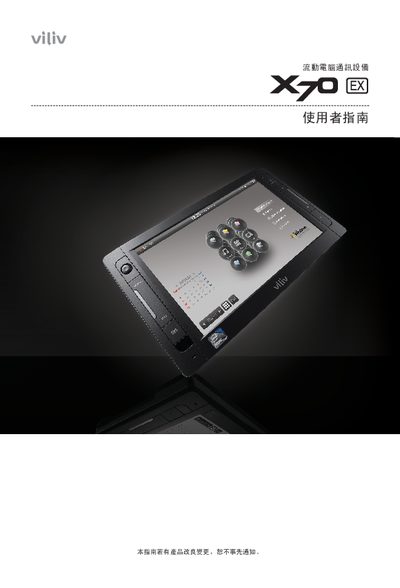
The guide covers safety precautions such as keeping the power adapter dry, using grounded outlets, and handling the lithium‑ion battery safely. It also details the device’s components, including the AC/DC power adapter, USB ports, SD card slot, and built‑in webcam, with diagrams of the top, front, left and right views.
Operational sections explain how to power the device on and off, use the virtual keyboard, manage GPS and Bluetooth functions, and connect to a computer via USB. Installation instructions cover attaching the power adapter, inserting the battery, and mounting the device in a vehicle. The final chapters list the device’s technical specifications and FCC compliance information. This manual is written in Chinese.
| GPS signal frequency | approximately 1575 MHz |
|---|---|
| GPS operating temperature range | 0 °C to 50 °C |
| FCC compliance | Class B digital device, complies with FCC Part 15 |
| Battery type | manufacturer‑approved lithium‑ion secondary battery |
Use the USB data link port to connect the device to a terminal computer with a USB cable.