
Key facts
- Brand
- Viliv
- Model
- X70
- Documents
- 2
- Languages
- IT · ZH
- Last added
- 2012-01-06
Start here
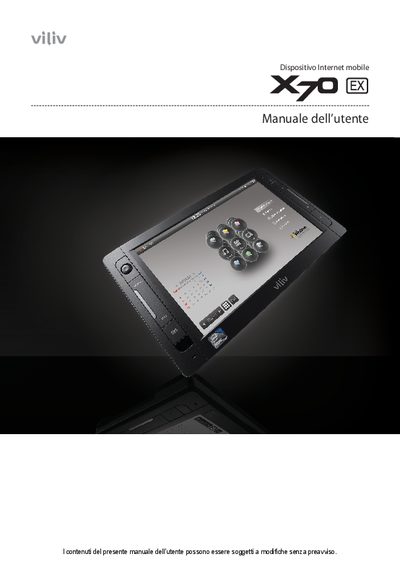
Viliv X70 EX Internet Mobile Device User Manual
This manual covers safety precautions, component identification, installation, battery handling, and basic operation of the Viliv X70 EX internet mobile device. It includes detailed warnings for power, battery, and environmental conditions, as well as guidance for GPS, Bluetooth, and navigation functions.
The document also explains FCC and EMC compliance, troubleshooting steps such as AMI rescue, and provides general specifications like EMC Class B, Bluetooth 2.0, GPS frequency, and operating temperature ranges. This manual is written in Italian.
Viliv X70 specifications
| GPS signal frequency | approximately 1575 MHz |
|---|---|
| GPS operating temperature range | 0 °C to 50 °C |
| FCC compliance | Class B digital device, complies with FCC Part 15 |
| Battery type | manufacturer‑approved lithium‑ion secondary battery |
All Viliv X70 documents by type
Day-to-day operation, settings and troubleshooting. Start here if the product is already set up.
Questions answered in these manuals
What safety precautions should I follow when using the Viliv X70 EX?
Do not touch the power adapter with wet hands, keep the battery away from heat and moisture, avoid exposing the device to direct sunlight or impact, and never use unapproved accessories.
What can I do if the device causes radio interference?
Change the antenna direction or position, increase the distance between the device and the receiver, or connect the device to a different circuit.
How do I connect the EXX70 to a computer via USB?
Use the USB data link port to connect the device to a terminal computer with a USB cable.