
User manual for the 7T 7TCRSM57E closed-loop stepper motor controller with CAN 2.0 and RS485 interfaces, parameters, wiring, and operating modes.
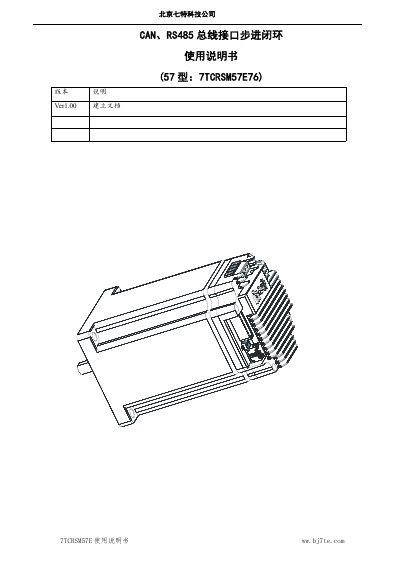
The 7T 7TCRSM57E is a closed-loop stepper motor controller that integrates the motor, encoder, and drive control in one 57 mm unit. It supports CAN 2.0A and RS485 Modbus-RTU communication with electrically isolated interfaces, and provides positioning, forward/reverse, speed, and in-position operating modes.
The manual covers product features, parameter settings, electrical interfaces for power, communication, and sensors, speed-torque data, homing and positioning procedures, limit switch behavior, alarm reporting, and initial commissioning steps. This manual is written in Chinese.
| Body dimensions | 57 mm × 57 mm × 96 mm |
|---|---|
| Supply voltage | DC 24 V |
| Holding torque | 1.2 Nm |
| Motor speed range | 1–1000 rpm |
| Encoder resolution | 32768 |
| CAN interface | CAN 2.0A |
| RS485 interface | Modbus-RTU |
| Limit input electrical type | NPN or TTL (0–5 V) |
| Home input electrical type | PNP and push-pull (0–24 V) |
| Operating temperature | 0°–85° |
| Subdivision settings | 1/2/4/8/16/32/64/128 |
| User interface connector | 5267-6P |
| Sensor interface connector | PHD-2×3 |
It supports CAN 2.0A and RS485 Modbus-RTU, and both communication ports are electrically isolated.
The controller provides positioning, forward/reverse, speed, and in-position modes, and it switches automatically based on the command sent.
Set the DIP switch toward the center of the stepper unit and power it on; the parameters return to factory settings, then move the switch to the outside for normal use.