
This document is about a laptop computer, including instructions for use, safety precautions, and product overview. The manufacturer declares no responsibility for damages caused by the use of this product or document.
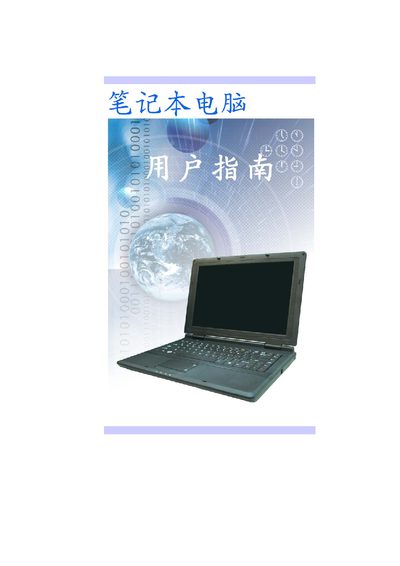
This manual covers the basic operation of the Haier laptop, including BIOS settings, power management, and connectivity options such as USB 2.0 and LAN ports. It also lists the display options, battery configurations, and compliance certifications.
Technical details such as screen resolution, storage layout, and power input specifications are provided, along with safety and environmental notices required for international markets.
| Display size (14.1") | WXGA, 1280 x 800 |
|---|---|
| Display size (13.3") | WXGA, 1280 x 800 |
| Storage configuration | 3 SATA HDD + 1 x 2.5" (9.5mm) |
| Hard drive speed | 5400 rpm |
| Battery (4 cells) | 14.8V/2200mAh (481P), Samsung |
| Power input | 100‑240 VAC, 50/60 Hz, 65 W |
| Weight (with 6‑cell battery) | 2.4 kg |
The laptop accepts 100‑240 VAC at 50/60 Hz with a maximum power consumption of 65 W.