
Describes the use of LCD display, including installation and adjustment
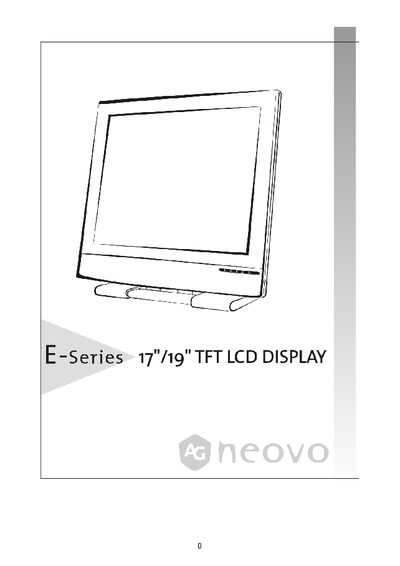
This manual provides step‑by‑step instructions for installing, connecting, and using the E-series TFT LCD display. It includes safety precautions, power connection guidelines, and detailed explanations of the control buttons and on‑screen display (OSD) functions.
Additional sections cover tilt adjustment, tabletop lock, wall‑mounting, transport handling, and routine maintenance. Certification information such as TCO'95 compliance is also included. This manual is written in Japanese.
| Resolution | 280 × 240 pixels at 60 Hz |
|---|---|
| Tilt Adjustment Range | Within "ーー>5" range |
The display can be tilted within the "ーー>5" range; grip the top of the screen with both hands and move it to the desired angle.
Use a power cord with an appropriate voltage, connect it to a nearby outlet, and avoid placing any objects on the power cord.
Keep the original cardboard packaging and protective materials when moving the display to prevent damage.